Your business, laid out like a desktop
Windows, a dock and widgets, the way your computer already works. Open the timesheet beside an invoice and leave them there: the desk remembers where you put things.
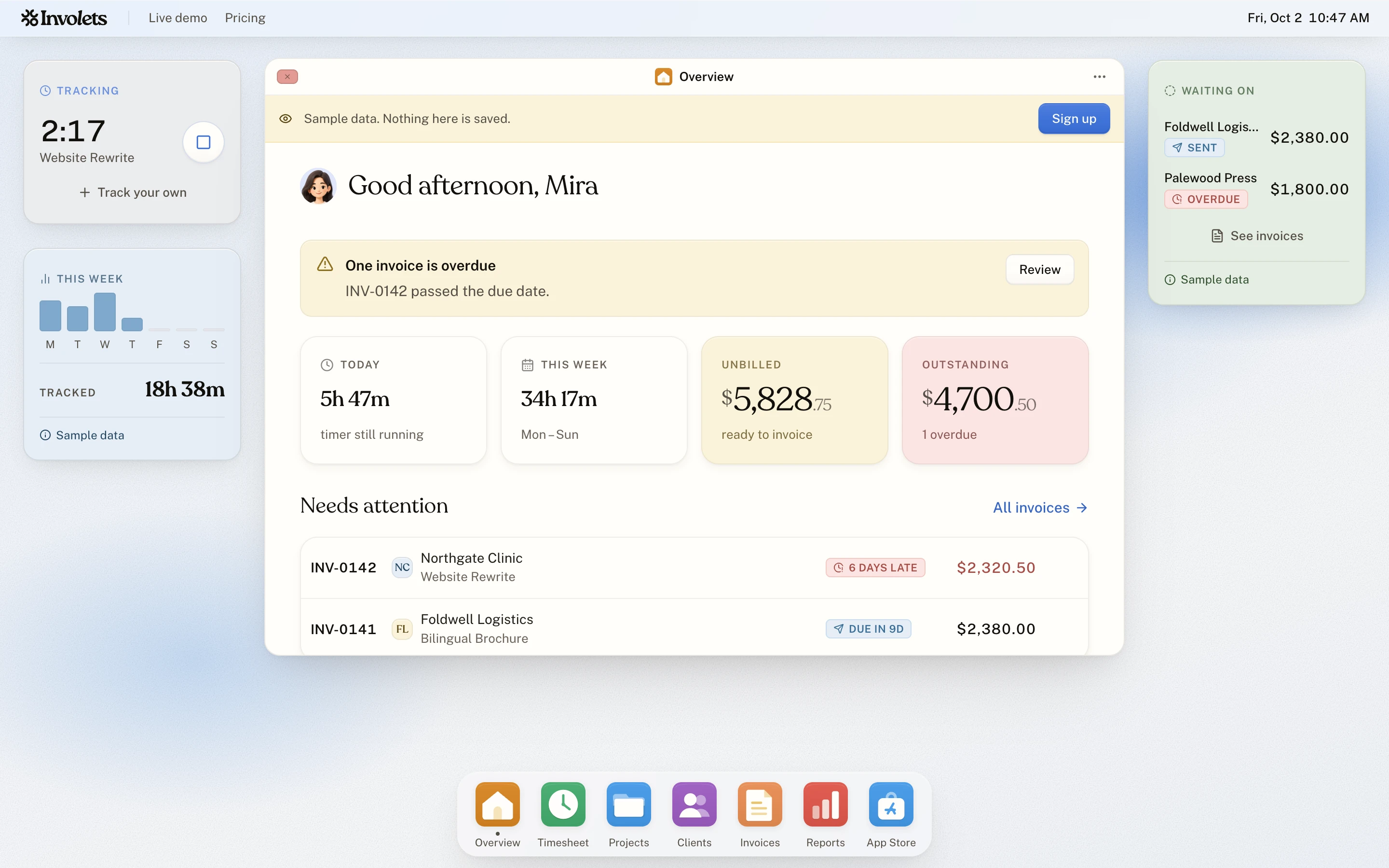
Windows
Every app and every record opens in a window you can drag, resize and maximise. Open two invoices side by side.
A dock
The six core apps live in the dock with the ones you install. Drag tiles to reorder them.
Widgets
A timer, today's total and what is unbilled, on the desk. Apps from the App Store bring widgets of their own.
Search everything
Press ⌘K to find a project, a client, an invoice or an app and open it.
Seven wallpapers
Mist, Lavender and sky, Ruled paper, Sunrise, Clouds, Meridian and Sea glass. The desk takes its accent colour from the one you choose.
Shortcuts
Press ? for the list: search, close, reset a window's size, open a project in a new window.
Why a desktop
A freelancer's day moves between a timer, a client's details and an invoice. Windows let all three stay open at once, where pages would make you pick one. Folders for your projects can sit on the desk itself, and a right-click on the desk opens its own menu.
On your phone
A phone has no room for windows, so there the same account opens as a home screen of tiles: time, projects, clients, invoices and reports, one tap away.
About the desk
Does it need installing?
No. Involets runs in your browser. If you would like it in your dock, Chrome and Edge can install it as an app from the address bar.
Start with the timer. The invoice follows.
Make an account, start the clock, and send your first invoice when the work is done. No card, and nothing to upgrade to later.