Clients and projects, with the money attached
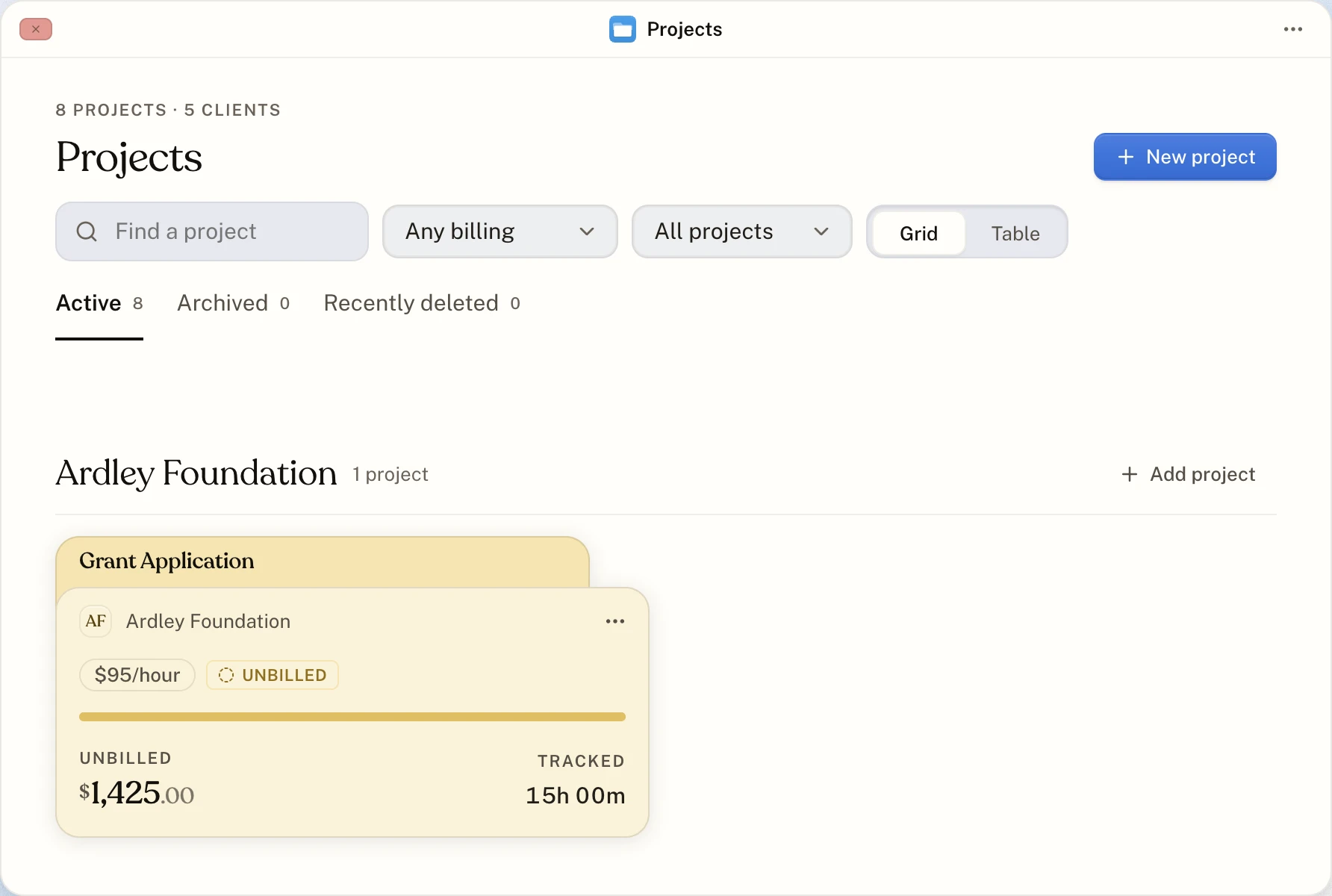
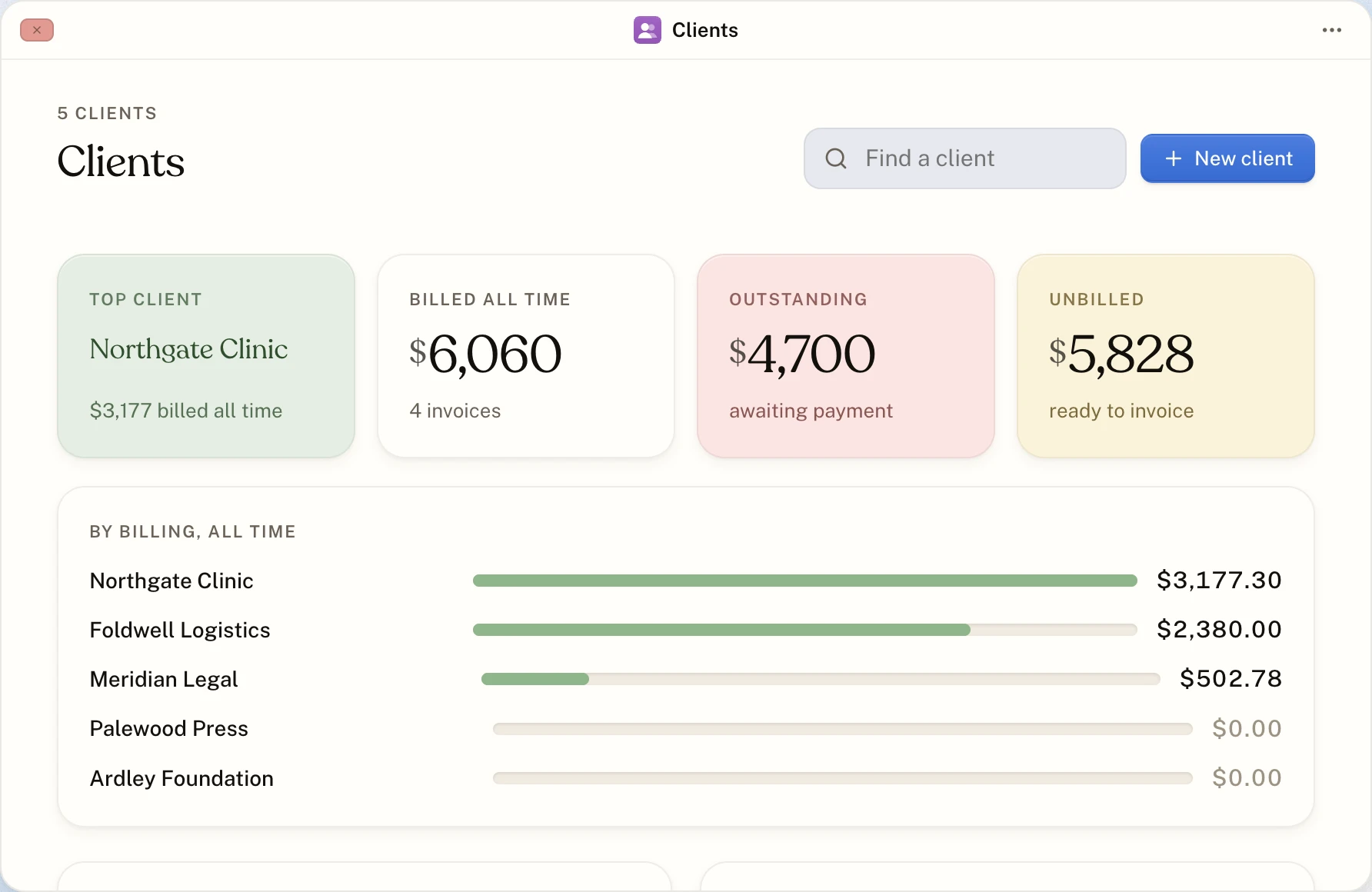
Every project knows its client, how it bills and how much of it you have invoiced. Every client holds the details an invoice needs.
Hourly projects
Set a rate. Tracked billable time is worth that rate, and the project shows how much of it is still unbilled.
Fixed-price projects
Set a total value and invoice it in as many parts as you like. The project shows what is left to bill.
Folders in twenty colours
See projects as folders or as a table, grouped by client, and filter them by unbilled, partly billed or fully billed.
Client details
A contact person, an email address and a billing address, kept with the client and used on its invoices.
Archive
Move finished projects out of the way. Their time and invoices stay, and you can restore them whenever you like.
A Trash that gives things back
A deleted project takes its time and invoices with it to the Trash. Put it back and everything returns together.
One page per project
Open a project and its window has three tabs: the time tracked on it, its invoices and its details. A card at the top shows what is unbilled on an hourly project, or what remains on a fixed-price one, with a button to create the invoice.
Duplicate the ones you repeat
Doing the same kind of job for a new client? Duplicate a project and change what differs, instead of setting it up again.
How to do it
Create a project
Hourly or fixed price, a client, a colour, and what each choice means for invoices.
Read it Projects and clientsAdd a client
The details a client needs, and where they appear on your invoices.
Read it Projects and clientsArchive, delete and restore
Put finished work away, and get back something you deleted by mistake.
Read itAbout clients and projects
Does a project need a client?
Not to track time. You need one before you invoice, because an invoice is addressed to the project's client.
What happens to time when I delete a project?
It goes to the Trash with the project and its invoices, and leaves your figures until you put it back. Nothing is lost unless you delete it forever from the Trash.
Start with the timer. The invoice follows.
Make an account, start the clock, and send your first invoice when the work is done. No card, and nothing to upgrade to later.